Text Us +1 773-430-6136



Description
This product is discontinued with a projected last order date of December 31, 2018. The suggested alternative is MD-1002 Acendo Book .
Features
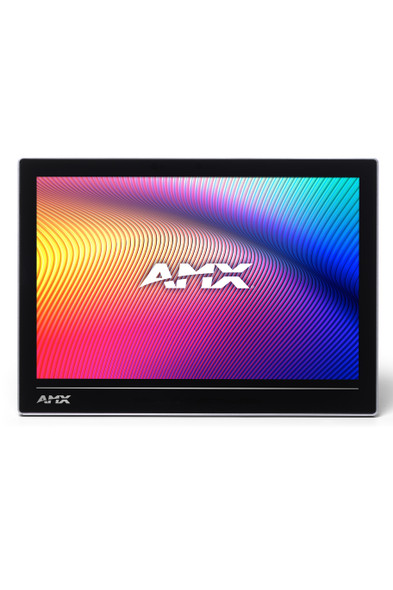
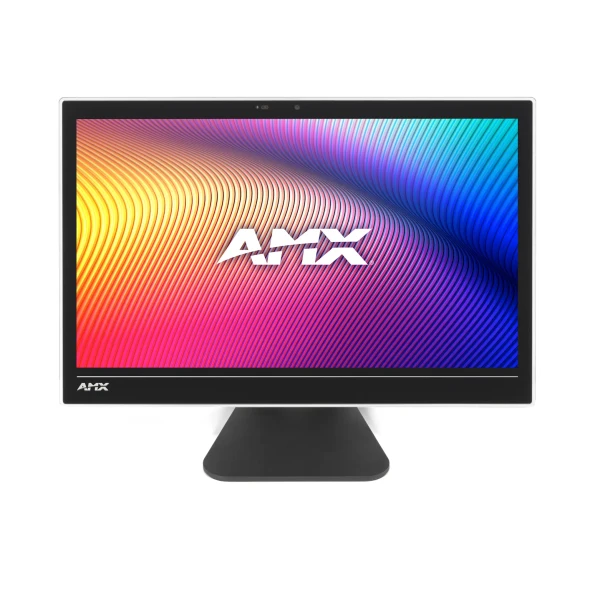
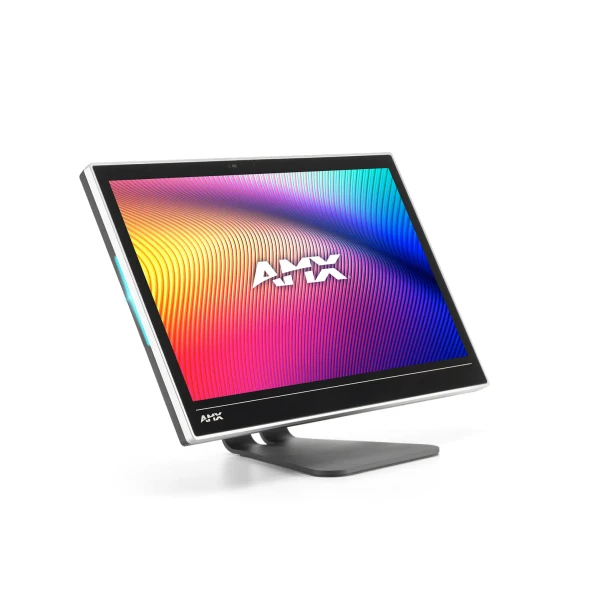
- 10.1" Acendo Book Scheduling Touch Panel
- Standalone Scheduling Panel that's Quick and Easy to Install - Reduces cost by streamlining installation, simplifying configuration, and eliminating the need for a controller and monitoring software
- Directly Integrates with Microsoft Exchange, Office 365 and Google Calendar - Synchronizes with the most popular scheduling platforms without additional software or configuration complications
- Based on Modero S Hardware - Provides all the benefits of our most popular Modero S Scheduling Panels including award-winning industrial design, SmoothTouch Technology, and brilliant full-color display
- On-Panel Room Booking - Quickly book available rooms directly from the panel
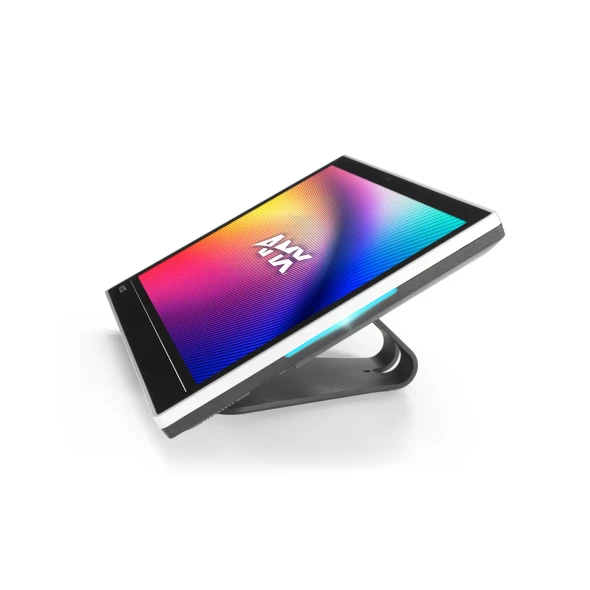
- Diverse Mounting Options - Mount the panel virtually anywhere, including glass
- Available Room Locator - Panel will suggest other currently available rooms at the push of a button
- Availability Indicators on the Front and Sides of the Panel - 180 degree Visibility allows users to easily determine whether the room is currently available
Why We Like This
We like the polished, dedicated control experience the ACB-2110 brings to meeting rooms, classrooms, and other installed spaces.
FAQs
Q: What does the ACB-2110 do?
A: The ACB-2110 is an AMX touch panel for professional AV and control-system installations.
Q: Where is the ACB-2110 typically used?
A: It is intended for installed AV environments such as conference rooms, classrooms, collaboration spaces, control rooms, and other integration projects where its listed function is required.
Q: Is the ACB-2110 currently available?
A: The source lists the ACB-2110 as discontinued; confirm current availability before ordering.
Q: What video resolution does the ACB-2110 support?
A: The source lists 1280x800.
Based in Chicago, IL, Gear Club Direct supports musicians, integrators, and creators every day with reliable gear and expert service.
Tech Specs
Aspect Ratio: |
16:9 |
Brand: |
AMX |
Display Size (WH): |
9.1" x 5.9" (230 mm x 149 mm), 10.8" (274 mm) diagonal |
FG Numbers: |
FG4221-10 |
Front Panel Components: |
Sleep Button, Programmable Red/Green LEDs. See Data Sheet for details. |
Model: |
ACB-2110 |
Power Consumption: |
Full-On: 14.5 W (max) |
Product Status: |
Discontinued |
Product Type: |
Touch Panel |
Resolution: |
1280x800 |
SKU: |
FG4221-10 |
Touch Overlay: |
Resistive |
Viewable Area (WH): |
8.5" x 5.4" (217 mm x 136 mm ), 10.0" (256 mm) diagonal |
Viewing Angle: |
Vertical: ± 85°, Horizontal: ± 85° |
Delivery & Returns
At Gear Club Direct, we want you to be happy with your purchase. We understand that there are times when once a product is received, it may not be what you needed or wanted after all. So, we will gladly accept your qualifying return within 15 days of the delivery date. After 15 days of the delivery date, all sales are final.
The Return Process
Customers are required to obtain a Pre-Authorization to return any product. To submit a request for a return, simply log in to your account and request a return and one of our sales representatives will contact you within 24-48 business hours. If you do not have an account with us, please open a help ticket, providing as much detail as possible and whether you are requesting a refund or an exchange. READ MORE